
if you want to check you email on the web, open a web browser (Microsoft Edge, chrome, firefox....) and go to https://mail.office365.com
You will see the sign in page similar to the prompt below,
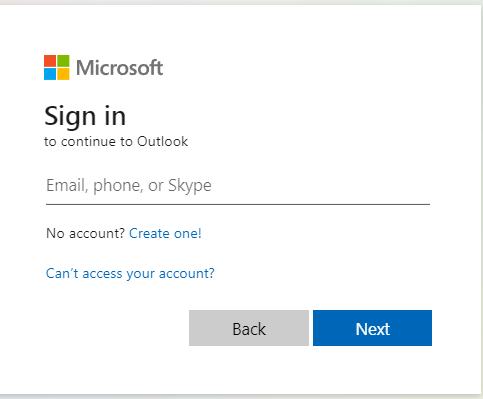
Type in you full email. address and click NEXT
You will be prompted to enter you password
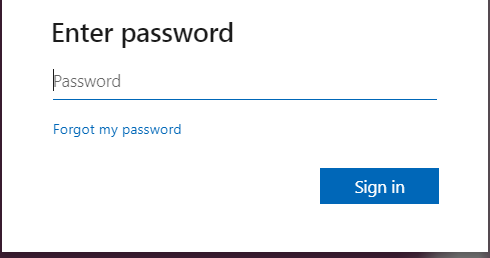
After you enter your password click on "Sign in"
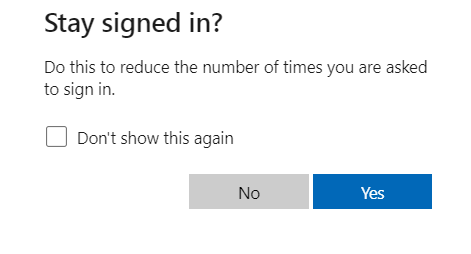
After you sign in, you may be prompted with the above message. If you are logging in from a personal computer you can click on YES, if you are login in from a public computer Clicl on "No".
You have now successfully logged in to your email online.